
General Comments
The purpose of a dial indicator is to provide the thickness measurement at any point of the reed. These measurements can be used as a base line for adjusting your reeds, as well as provide knowledge about the structure of reeds that is not available with the naked eye.
The regular use of a dial indicator can provide reliable and accurate feedback when scraping the reeds, to ensure that not too much cane has been removed from a reed.
The Mini Dial Indicator is designed with a swiveling base that allows it to pack flat for transport. Additionally, when in use the arm of the dial is angled back to an angle of 65 degrees for a more comfortable reading experience.

Using the Dial Indicator
Make sure the dial is zeroed before measuring your reed. Any dirt on the measuring arm will raise the reed and provide an inaccurate reading.
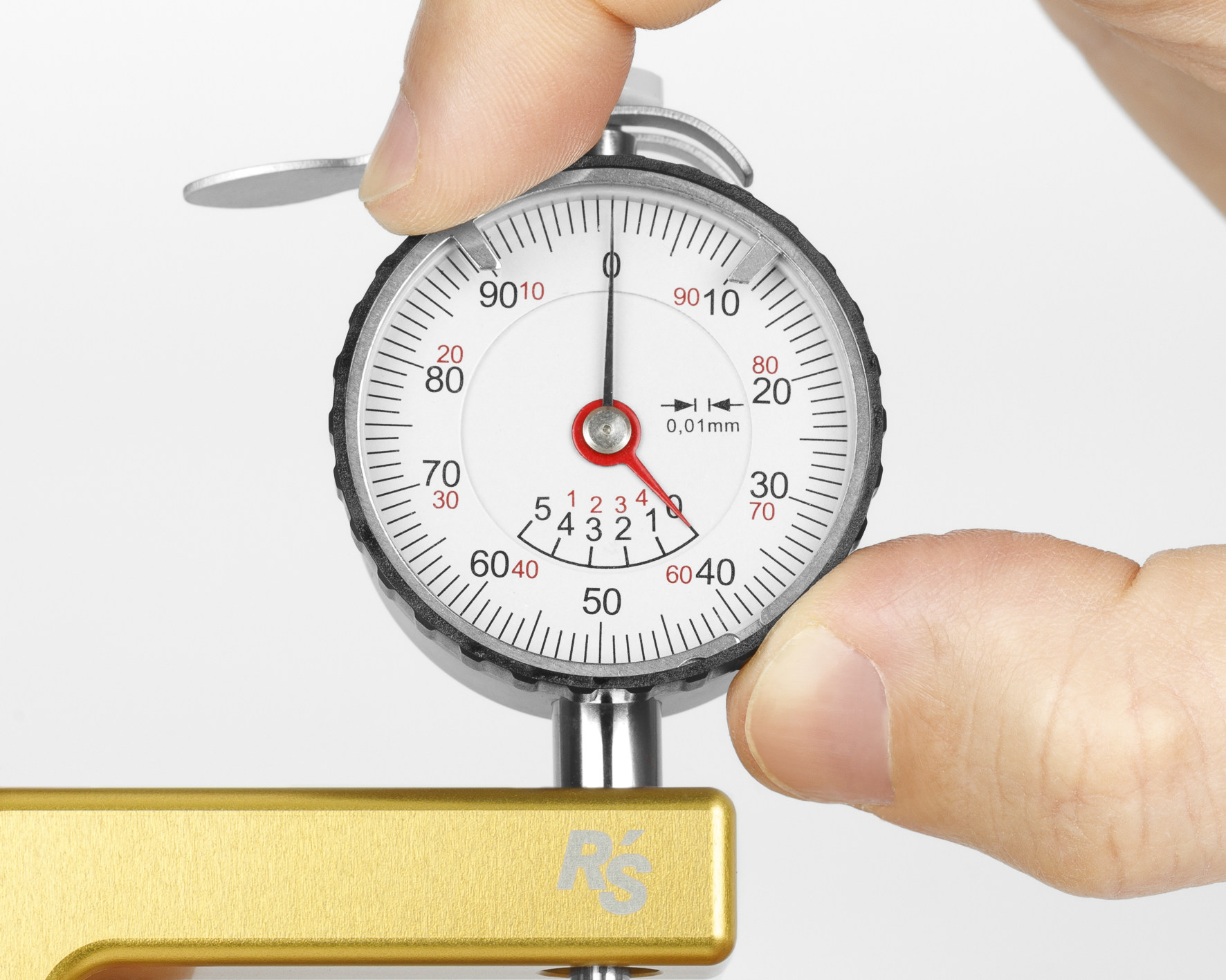
To zero the dial, simply take hold of the face of the dial and rotate it until the "0" is aligned with the pointer.
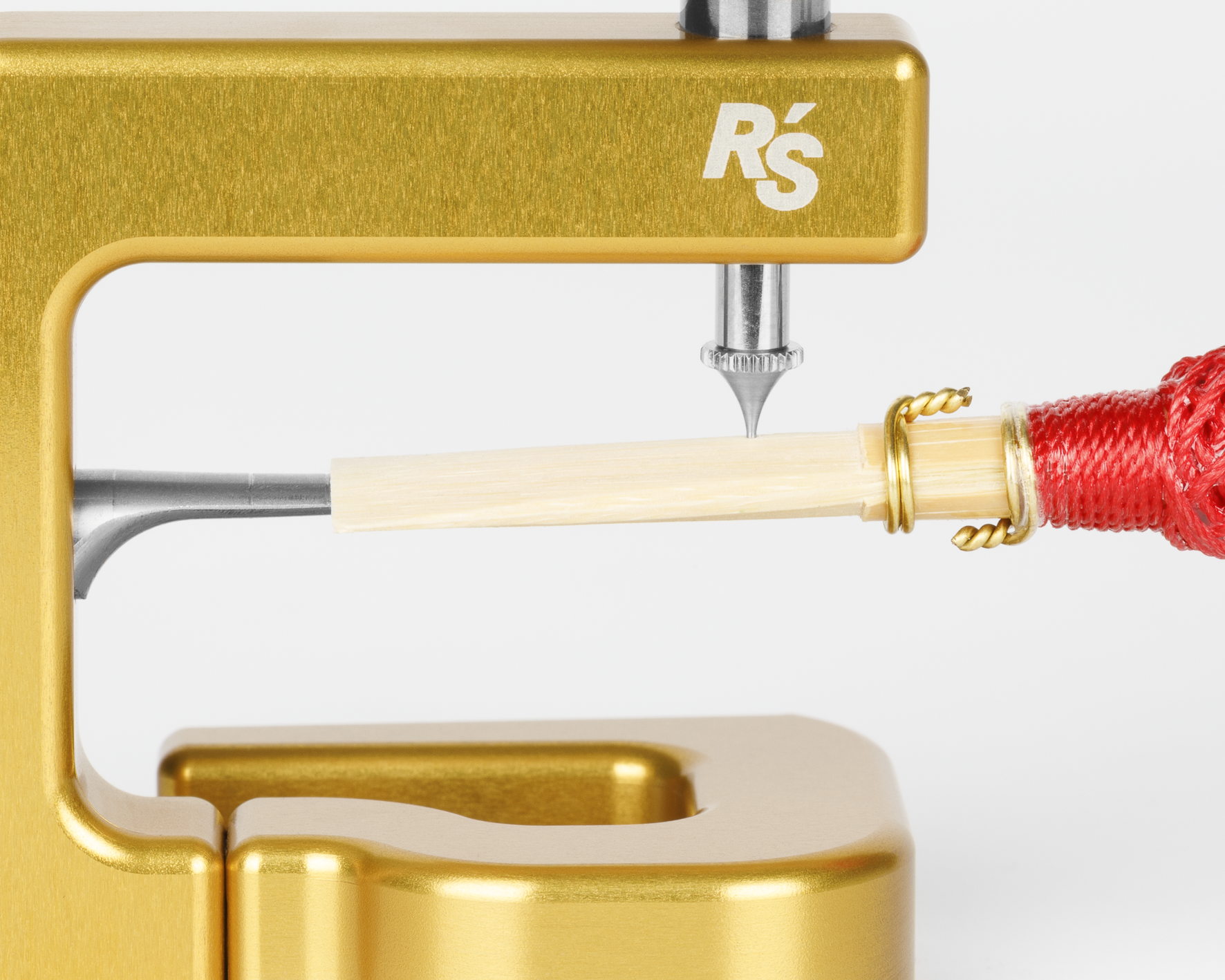
Place the reed around the measuring arm and line the tip up with the location you would like to measure.
Note: when moving the reed make sure to lift the measuring tip off of the reed so that it is not dragged across the surface of the reed. With most of the tips this dragging will scratch the surface of the reed. Only the K tip with the ball bearing is designed for the cane to be pulled through while measuring.
Be sure to lower the measuring tip gently to the reed. Lowering the tip agressively, or letting it fall uncontrolled could lead to the measuring tip pressing into, or through, the cane.
Changing the Tip
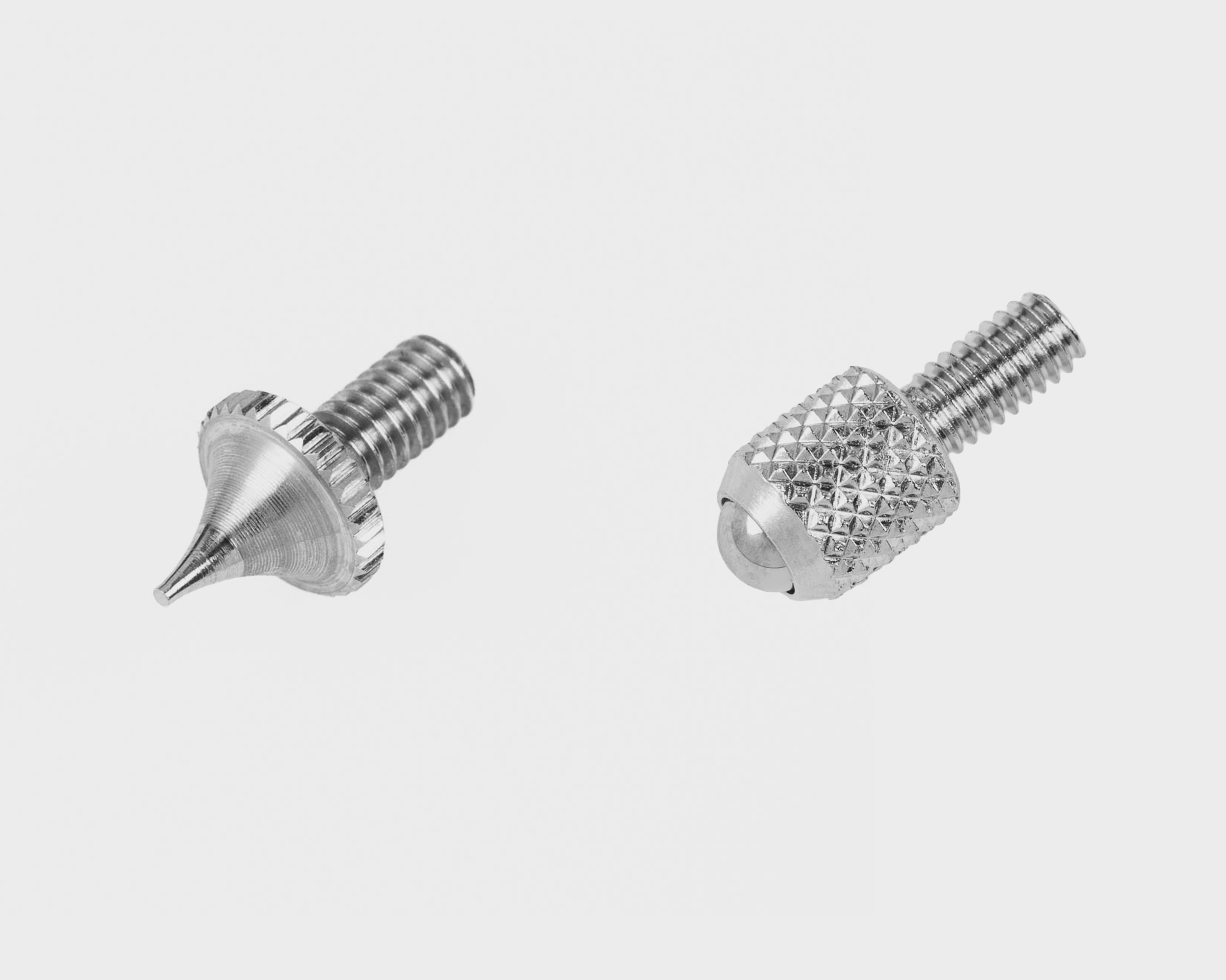
The tip of the dial indicator can be exchanged or replaced. Simply unscrew the tip from the dial and insert the new tip. After doing this, be sure to recalibrate the dial.
Choose the tip S to see the point you are measuring from every perspective and to measure exactly at a given point. Choose the ball-pointed tip K to measure gouged cane.
Calibrating the Dial Indicator
Switching between Left and Right-handed
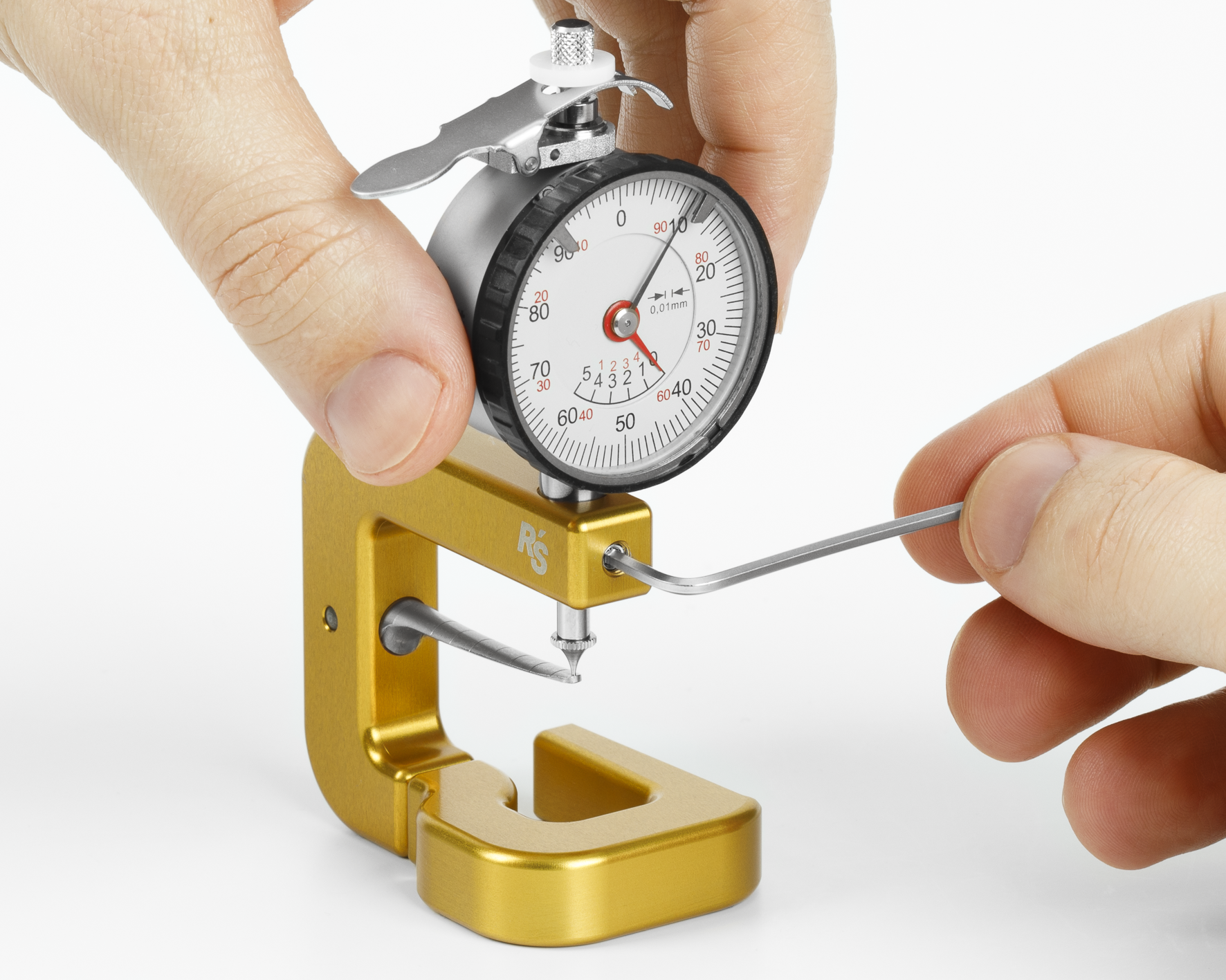
The dial indicator can easily be transformed from right to left-handed. Simply loosen the set screw at the end of the arm holding the dial.
This will allow you to rotate the dial to face the opposite direction. Be sure to calibrate the height of the dial so it both touches the tongue and reads "0" before tightening the set screw. Be careful not to over-tighten this screw as it will damage the actuating shaft and prevent the dial from operating properly.
Switching between Left and Right-handed
FAQ
How can I set the dial indicator to ZERO?The easiest way is to turn the dial so that the large pointer is back at ZERO. However, the dial indicator can also be recalibrated so that the large pointer is back at 12 o'clock. To do this, loosen the fastening screw that fixes the dial indicator in the dial indicator arm. Now position the dial indicator by moving it up or down so that both the small and large pointer show ZERO. When locking the screw do not tighten it too much, as this can block the axle movement in the dial indicator.
Can I change the tip of the dial indicator?Replacing the tip of the dial indicator is easy to do. You can simply turn out the tip that you have now with the help of pliers and replace it with the desired new tip. If there is not enough space between the tongue and the tip, you can loosen the screw that fixes the dial gauge in the dial gauge arm and remove the dial gauge from the arm. It may now be necessary to recalibrate the dial indicator.
Can I change the tongue of the dial indicator?The tongue of the dial gauge can also be changed very easily. You can find instructions here.
Can the hardness tester be used as a dial indicator?The support plate of the hardness tester is too large to obtain precise results. The thickness of finished reeds, for example, cannot be measured with the hardness tester. Inaccurate measurement results may occur also with gouged cane. For this reasons we do not recommend using the hardness tester as a dial indicator.
Can I transform my dial indicator from right to left-handed or do I need to buy a new one?The dial indicator can easily be transformed from right to left-handed. Simply loosen the set screw at the end of the arm holding the dial. This will allow you to rotate the dial to face the opposite direction. Be sure to calibrate the height of the dial so it both touches the tongue and reads "0" before tightening the set screw. Make sure not over-tighten this screw as it will damage the actuating shaft and prevent the dial from operating properly.